When I first started writing blogs over 20 years ago, it was just a web publish model, and that’s where consumption happened too. Over time, the model shifted to multi-modal consumption across web and mobile. When I collapsed a few old sites into the PMM Kickstarter, and then built The Agentic PMM Field Guide, I had a mental model for how people would use it based on that. Readers would read a blog, browse a section or two of the guide, maybe bookmark it, come back when they needed it. The classic long-form reference model.
Well the Age of AI timeline moves fast, and that model is already showing its age.
The way people consume professional knowledge is changing FAST, and product marketers, who should probably be paying more attention to this, are right in the middle of it. Not just as observers of the shift. As active participants in it.
So while I’ve been writing and publishing, I’ve also been building. And today with this post, the PMM Kickstarter is now available in three different ways, for three different modes, for three different kinds of engagement. This post is about what has been built, why it matters, and how to get it.
The three modalities are:
- The web, as it always has been
- A native mobile app, for consumption on the go
- And an AI skill you can have a conversation with
Each one built for a different usage pattern. Let’s take a look at what’s been built and add some context.
The Problem With Knowledge Consumption
The field guide has over 30 sections, every one of them drafted with purpose, iterated with robots and human finalized. I am realistic that I am likely the only person who will read the whole thing. No one is going to read a 30-section guide cover to cover in the TikTok world that is 2026.
What people actually do is see a link that looks interesting as it drifts past their feed, or find it when looking to solve a specific problem. They’re a founder who just realized they need to improve messaging. They’re a PMM who wants to know how to build a better battlecard. They’re someone who wants to take on their first PMM leadership role. Humans who need help.
People don’t need a table of contents. They need an answer, hopefully a useful one discoverable without having to hunt for it.
The field guide was built to provide this help and guidance, but the monolithic static format always bugged me, and I wished for something … dynamic.
The answer, as you might have already figured out at this point in the post, isn’t one thing. It’s three. Surprise.
The Web: For the Deep Reader
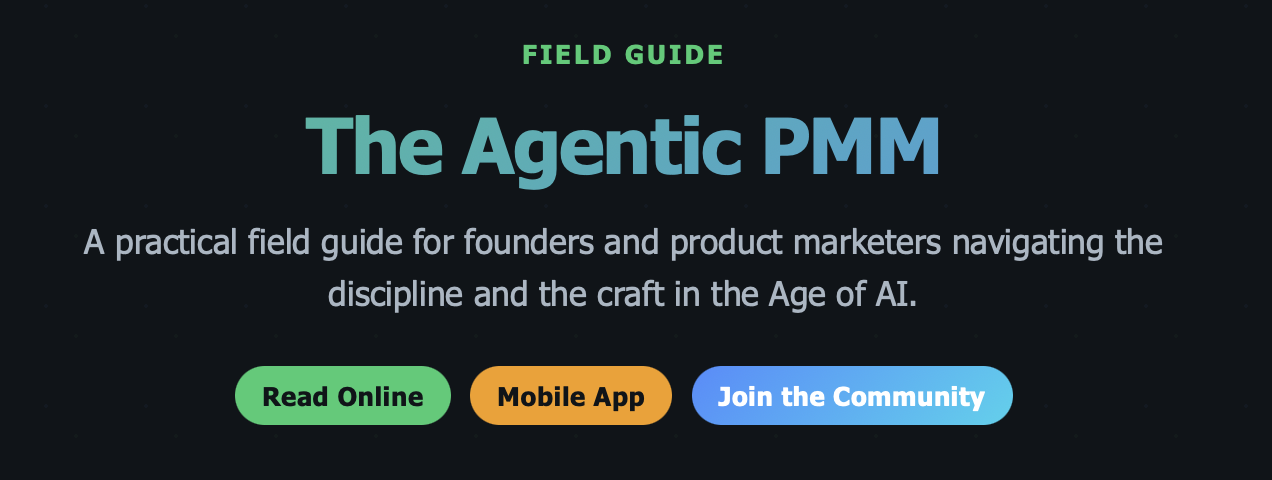
The original and still the first place updated and the source of the other two. All 30 sections, organized across five topic areas, with navigation that lets you read end-to-end or jump to exactly what you need. This is the format for the person who likes to read and consume at length, following a thread across multiple sections, and come away with more complete understanding.
The web version is always current. When new topics and sections are added, they show up here first. It’s the source of truth, and it will always be free.
pmmkickstarter.com/the-agentic-pmm
The Mobile App: For the Moments In Between
The field guide is now available as a native iOS app, and will dynamically adjust across iPhone, iPad and MacOS.
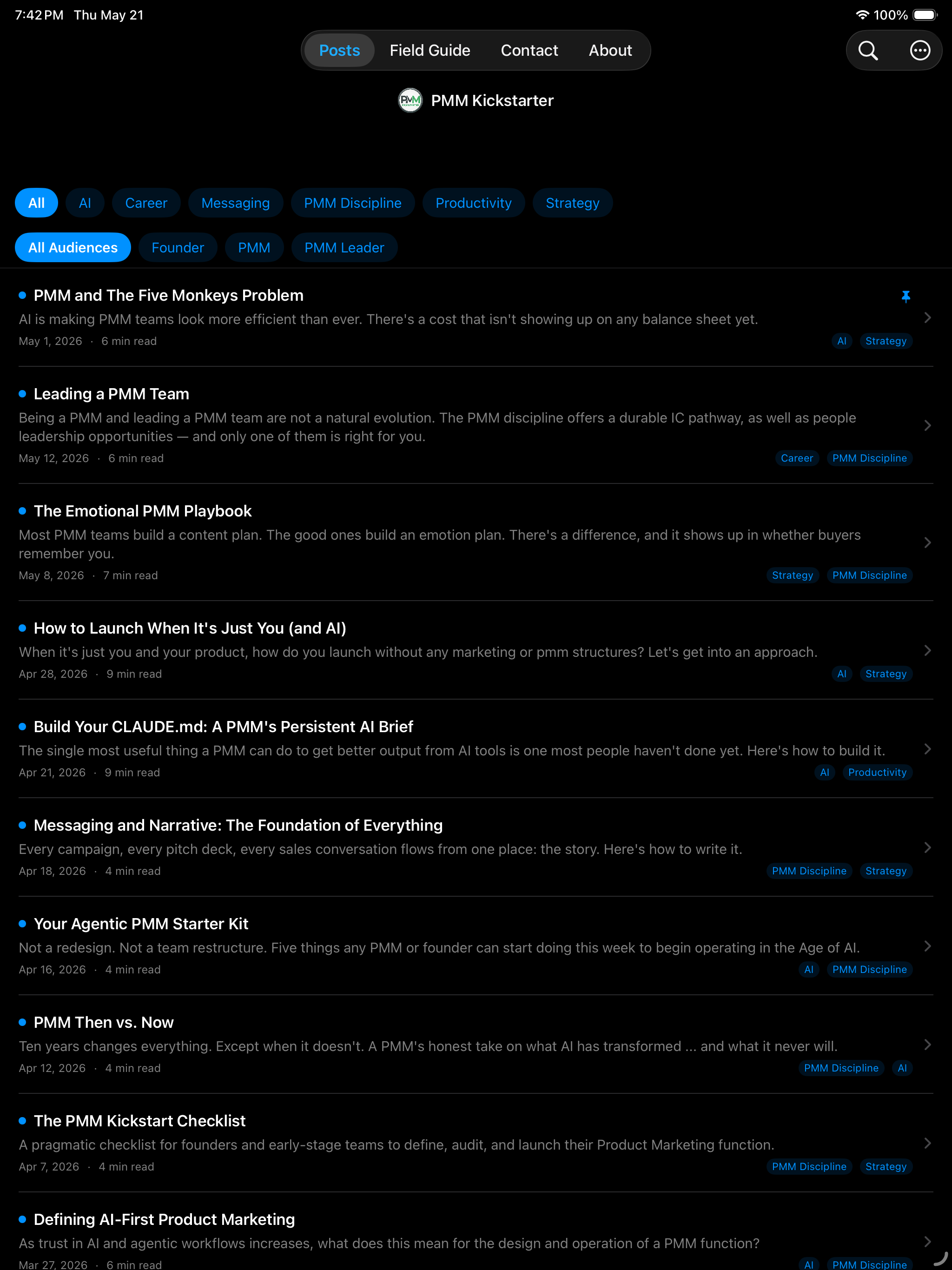
The app is built for the moments that the web isn’t. Your commute, when waiting, whenever you have a few mins to kill. I built it to be an easy mobile-first reading layout, blogs are available offline, the field guide is dynamically loaded.
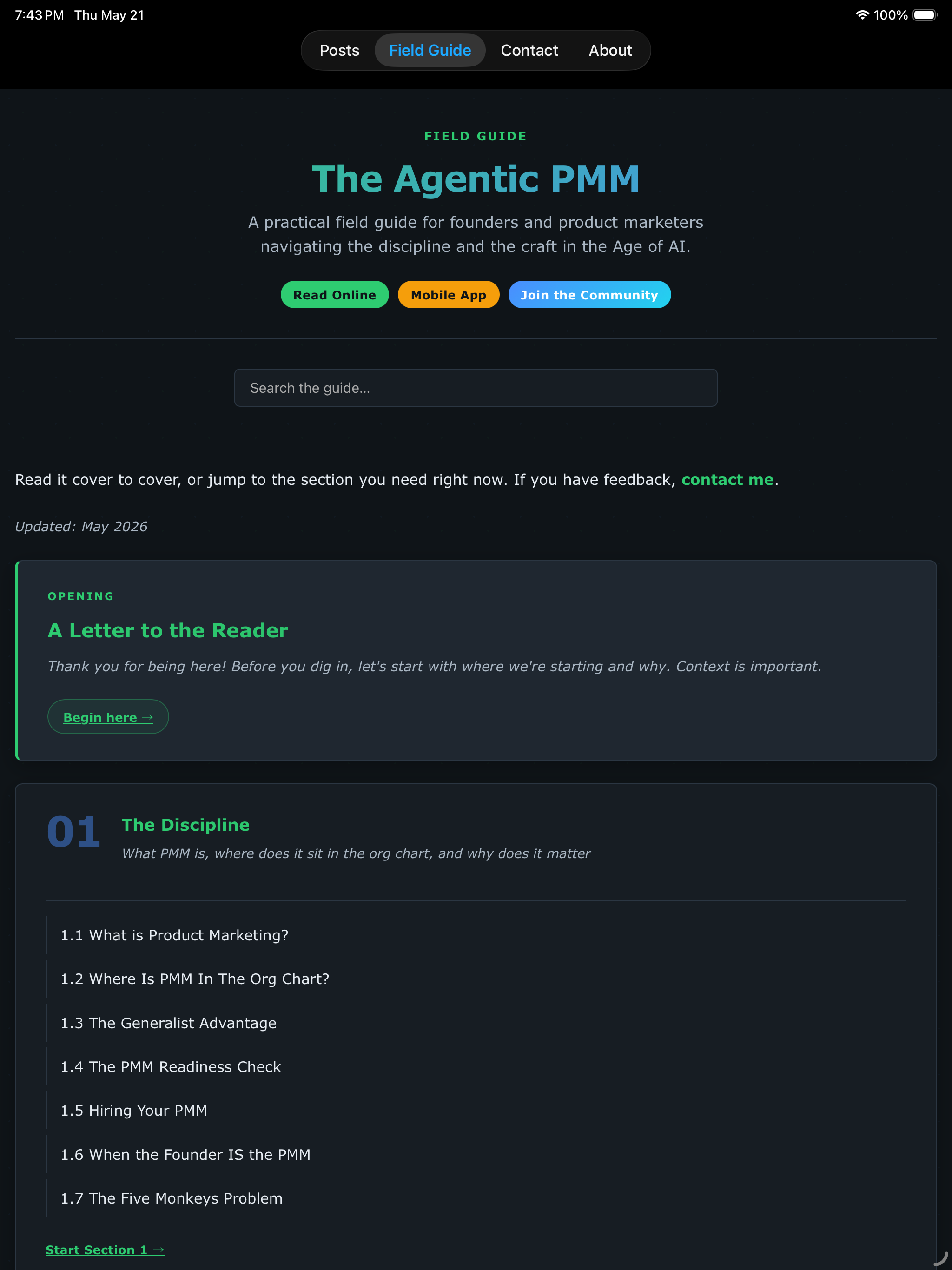
The app is published in the Apple App Store.
A note for my Droid peeps … I’m sorry, I looked at Android apps and decided to just ensure the site fully supports PWA, so you can add blogs or the field guide to your homescreen by clicking the web app button in your browser.
The AI Skill: For the Interactive Practitioner
This is the new one, and the one I want to spend the most time on.
The Agentic PMM Field Guide is now queryable via a downloadable skill in Claude Cowork. You can ask it questions, be stepped through processes or chat in plain language via prompts. If you want to dig in, this is the Github repo.
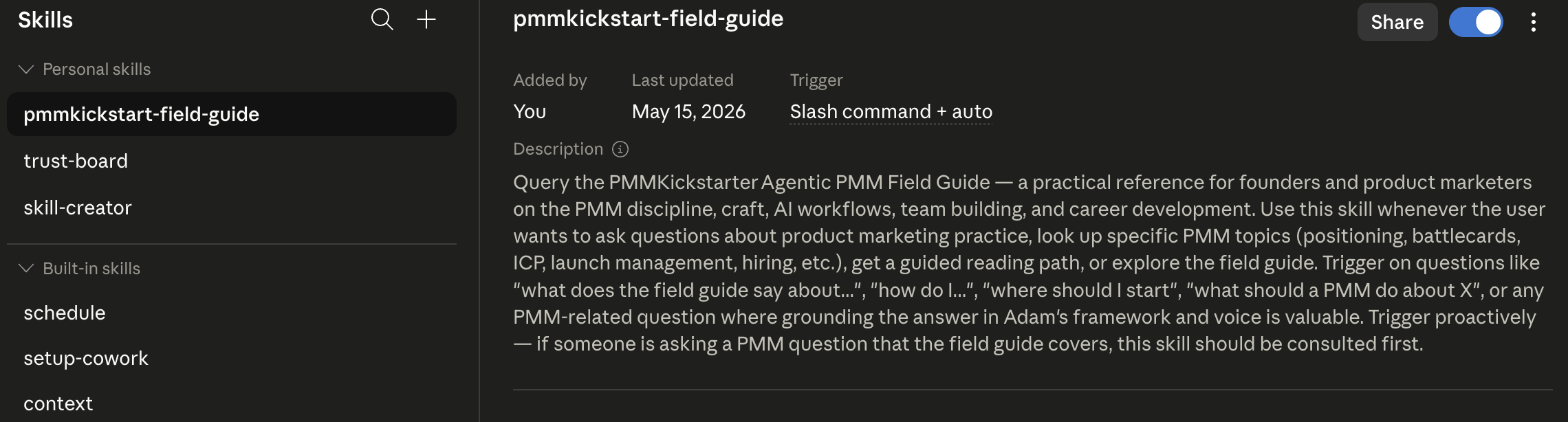
Welcome to the future. Or at least, a small insight into where it is going.
The skill fetches the guide content live from pmmkickstarter.com, reading the relevant sections and answers from them directly. It is bounded to (hopefully) remove any chance of hallucinations, and will only answer from the guide, it is not using generic internet search. It’s like Zero-Trust in reverse: the AI is constrained to the source defined.
There are three modes to the skill, depending on where you are and what you need.
Free-form questions. You have a specific thing you need to know right now.
“How do I structure a battlecard?”
“What’s the difference between ICP and persona?”
“What metrics should I be tracking as a new PMM?”
“How do I know when it’s time to hire a second PMM?”
The skill identifies the most relevant sections, reads them, and gives you a focused answer with section references so you can go deeper if you want.
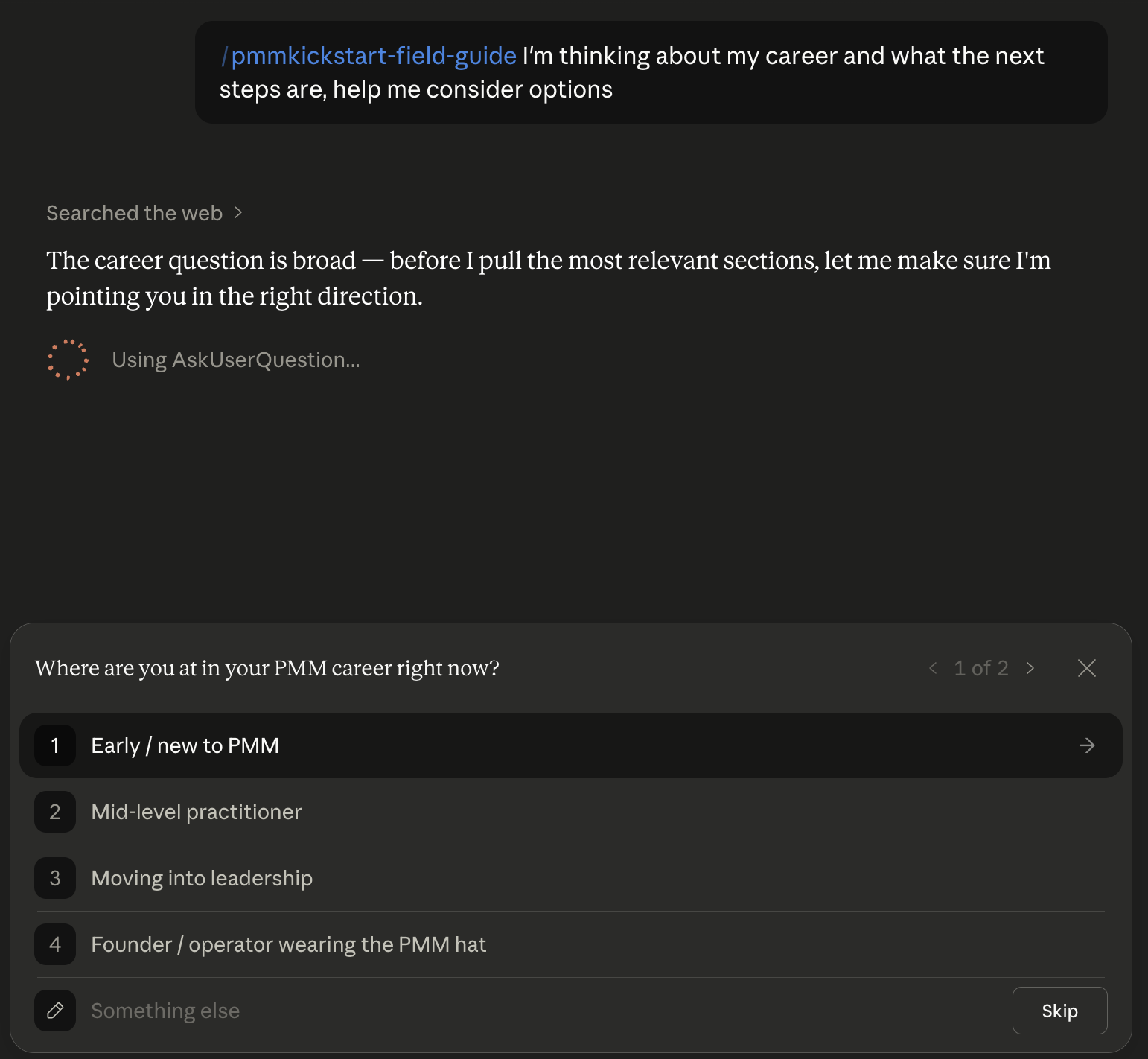
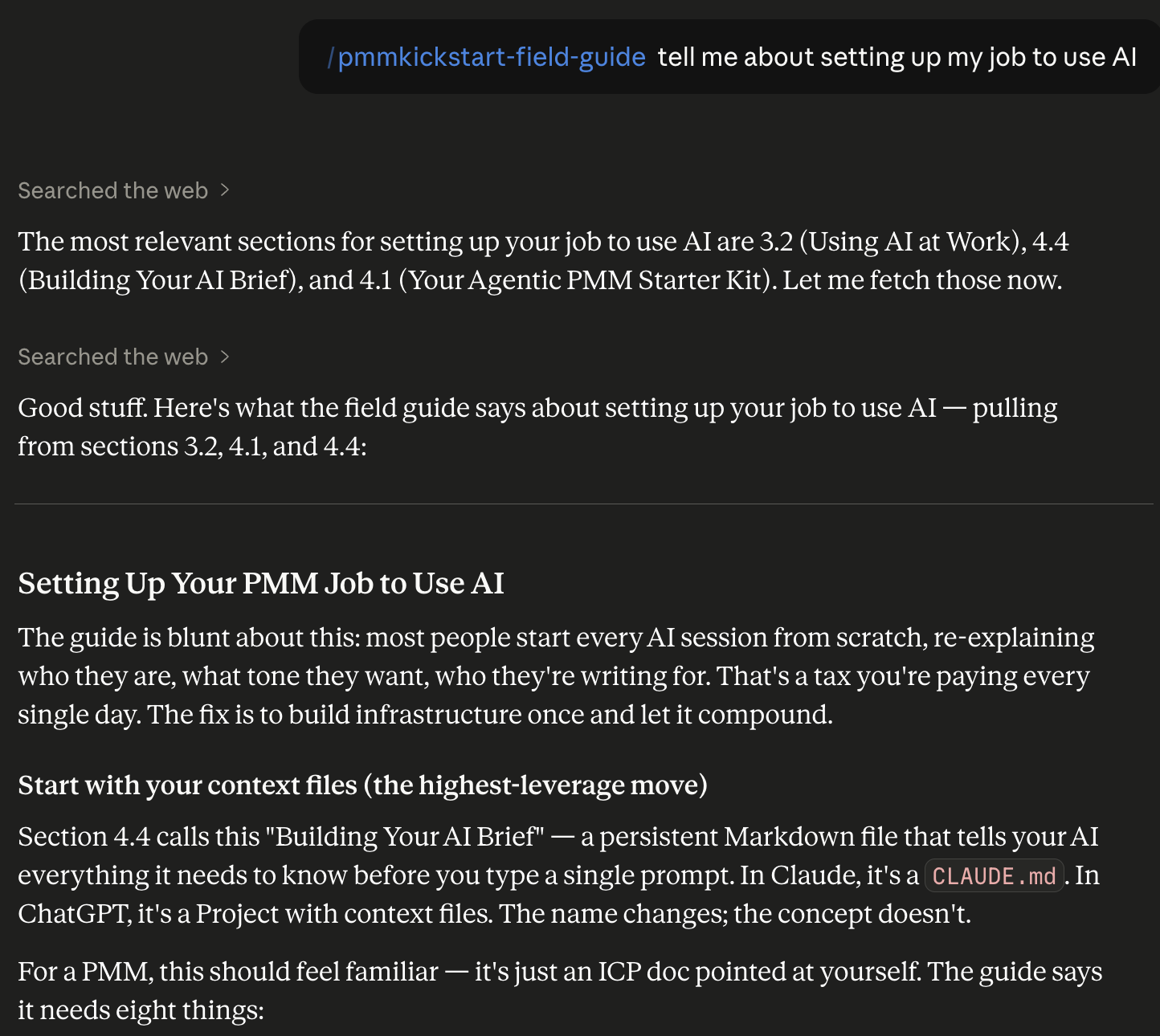
Topic lookup. You want to understand what the guide covers on a specific area before diving in.
“What does the field guide say about competitive intelligence?”
“Tell me about the AI workflow playbook.”
“What’s in the section on sales enablement?”
You get a structured summary … what the section covers, the key frameworks, and the most useful specific takeaways. Think of it as a curated preview before you commit to reading the full section. Useful if you’re trying to figure out whether a section is worth your time, or if you want the 60-second version before a meeting.
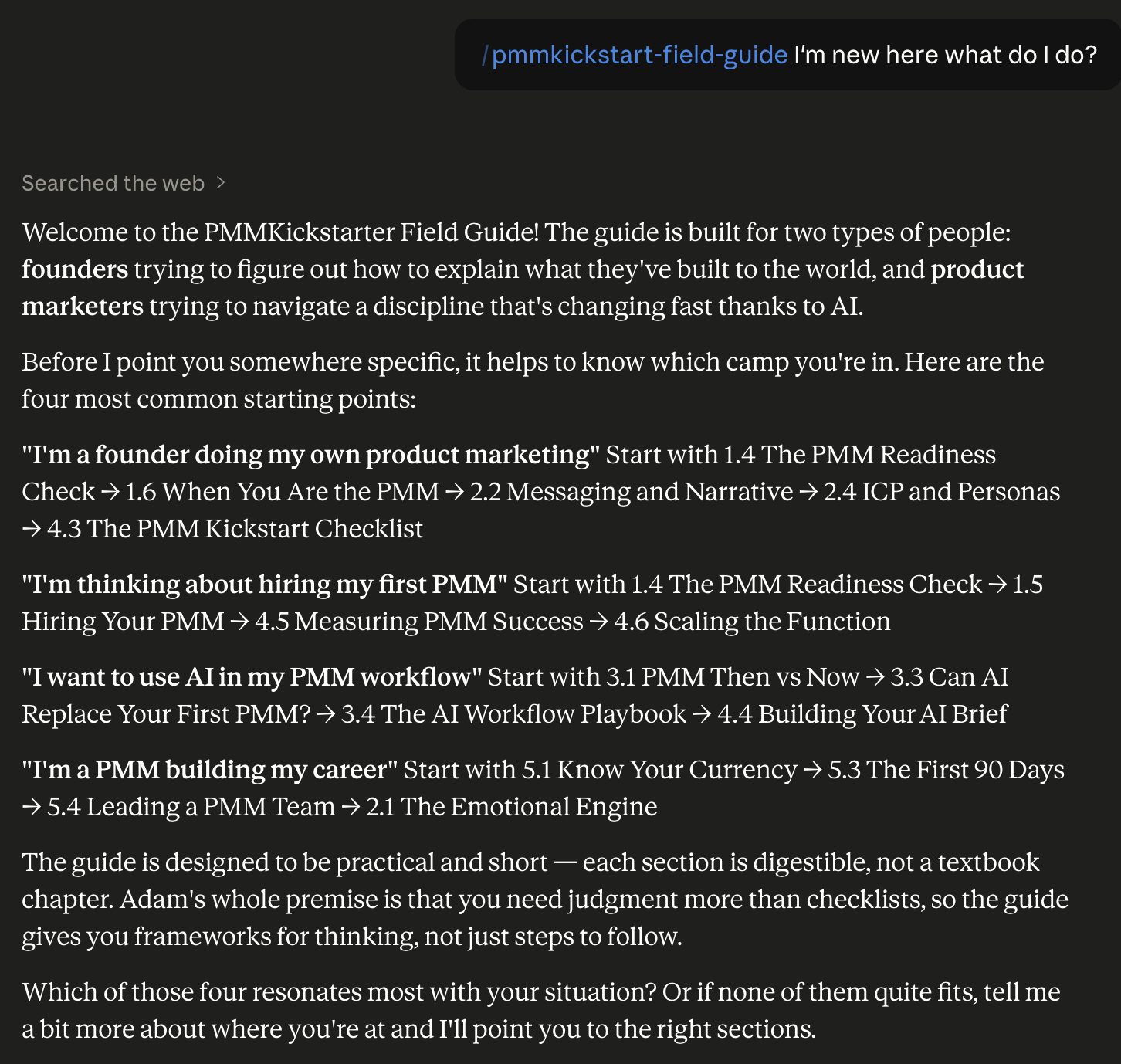
Guided path. You’re new here, or you’re not sure where to start, or you have a big-picture situation rather than a specific question.
“I’m a founder doing my own product marketing, where do I start?”
“I’m thinking about hiring my first PMM.”
“I want to use AI in my PMM workflow.”
“I just started a new PMM role and I’m trying to figure out my first 90 days.”
The skill builds you a curated reading path, listing sections in a logical sequence, with a one-line rationale for each. It’s the reading list a mentor would give you, built for your specific situation rather than a generic “start here” page.
For the People Who’ve Been Here a While
If you’ve read the field guide before, and thank you if you have, none of this replaces what you’ve already read. It’s a different interface to the same thinking.
The sections haven’t changed (well, they’ve grown, we’re at 30 and still adding). What’s changed is how you can access them. If you remember reading something about measuring PMM success but can’t remember exactly what it said, ask. If you want a quick refresher on win/loss methodology before a customer interview, ask. If you want to know what the guide recommends for a situation you’re in right now, ask.
The guide is no longer something you have to remember. It’s something you can have a conversation with.
And if you haven’t tried the app yet, the reading experience on mobile is genuinely fast and good.
For the People Who Are New Here
Hello. You picked a good moment to show up.
The Agentic PMM Field Guide is a practical reference for founders and product marketers navigating the PMM discipline … what it is, how to do it well, and how to use AI as a force multiplier rather than a replacement for human judgment. It was written for people who want real answers, not academic frameworks.
You don’t have to start at the beginning. You don’t have to read it in order. You can install the skill and just… start asking. Or download the app and start with whatever section matches the problem you’re dealing with right now. Or read it on the web if you’ve got the time and the inclination.
The guide meets you where you are. That was always the intent, to share knowledge and help people. Now there are three ways it can do it.
How to Get the Skill
Step 1: Download the skill file
Download pmmkickstart-field-guide.skill from pmmkickstarter.com/assets/downloads/pmmkickstart-field-guide.skill.
Step 2: Install it in Cowork
Open Claude and go to Settings → Capabilities → Customize. On the Skills page, click the + button, then select Create skill → Upload a skill and attach the downloaded file.
Step 3: Enable network access to pmmkickstarter.com
The skill fetches content live from pmmkickstarter.com, so it needs network access to that domain. In Settings → Capabilities, add pmmkickstarter.com to the allow list. If you skip this step, you’ll get a fetch error when the skill tries to load the guide. (I can and did make an offline version, it will just never get updated, which seems less helpful)
Step 4: Ask it something
Once installed, the skill is available in any Cowork conversation. Either just ask a PMM question (the skill will kick in) or explicitly by typing /pmmkickstart-field-guide and then asking.
What This Is Really About
I’ve spent a lot of time in this field guide writing about how AI changes the PMM discipline. How the execution is automatable but the judgment isn’t. How the Humans + AI model isn’t a philosophy, it’s a dependency. How the PMM who ignores AI gets left behind, and the PMM who delegates their judgment to it loses the thing that makes them valuable.
This three-surface field guide, is a small, concrete version of that argument applied to knowledge itself.
The content in the guide is human knowledge. Earned through real PMM work, shaped by real failures and real wins, filtered through a point of view about what actually matters versus what sounds good in a framework. Thirty sections of thinking I wish I had access to earlier in my own career.
The app and the skill are the AI and mobile layer that make that knowledge accessible in the moments and modalities where people actually live. You shouldn’t have to be sitting at a desk with a full browser tab open to access something useful. You should be able to ask a question mid-problem and get an answer from a source you trust.
The skill without the guide is just another AI that makes things up confidently. The guide without the skill and the app is a long read that most people never finish. Together, they’re closer to what I think knowledge tools should look like in 2026.
Not a document you consult. A conversation you have. Wherever you are, on whatever device, in whatever moment you actually need it.
Go be awesome.
Adam